

Three things: add a statement, ask a question, wait a bit
That's the whole first session. Below is what each step actually looks like, and how long to expect the wait to be.

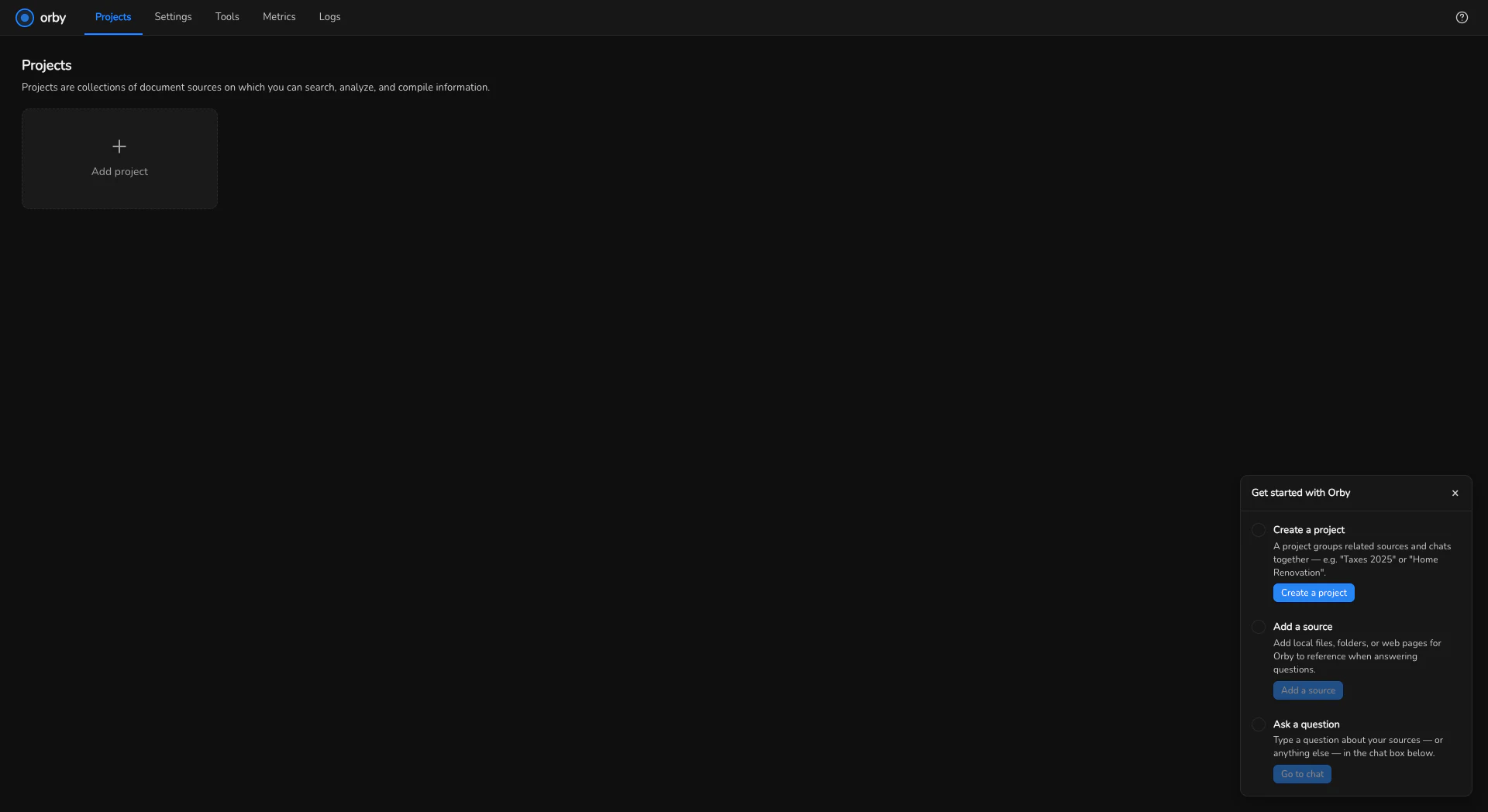
Add a statement
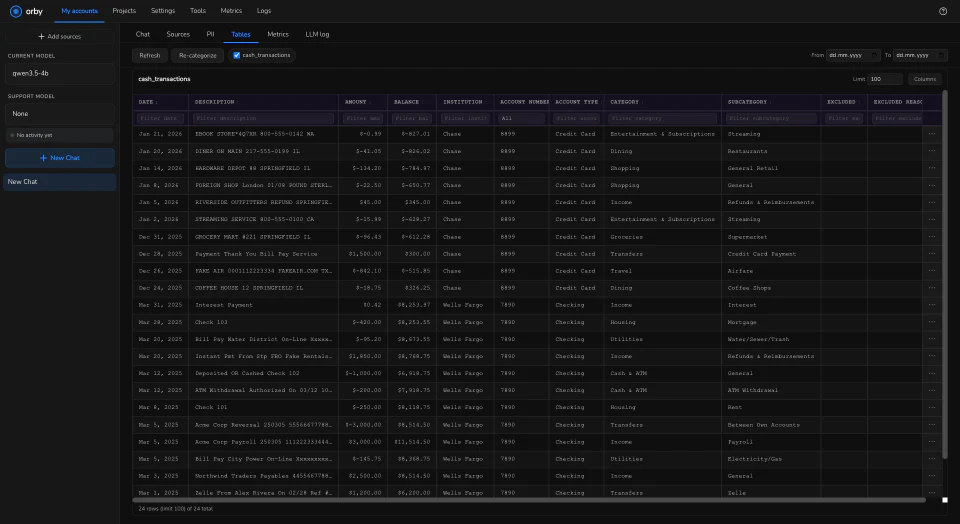
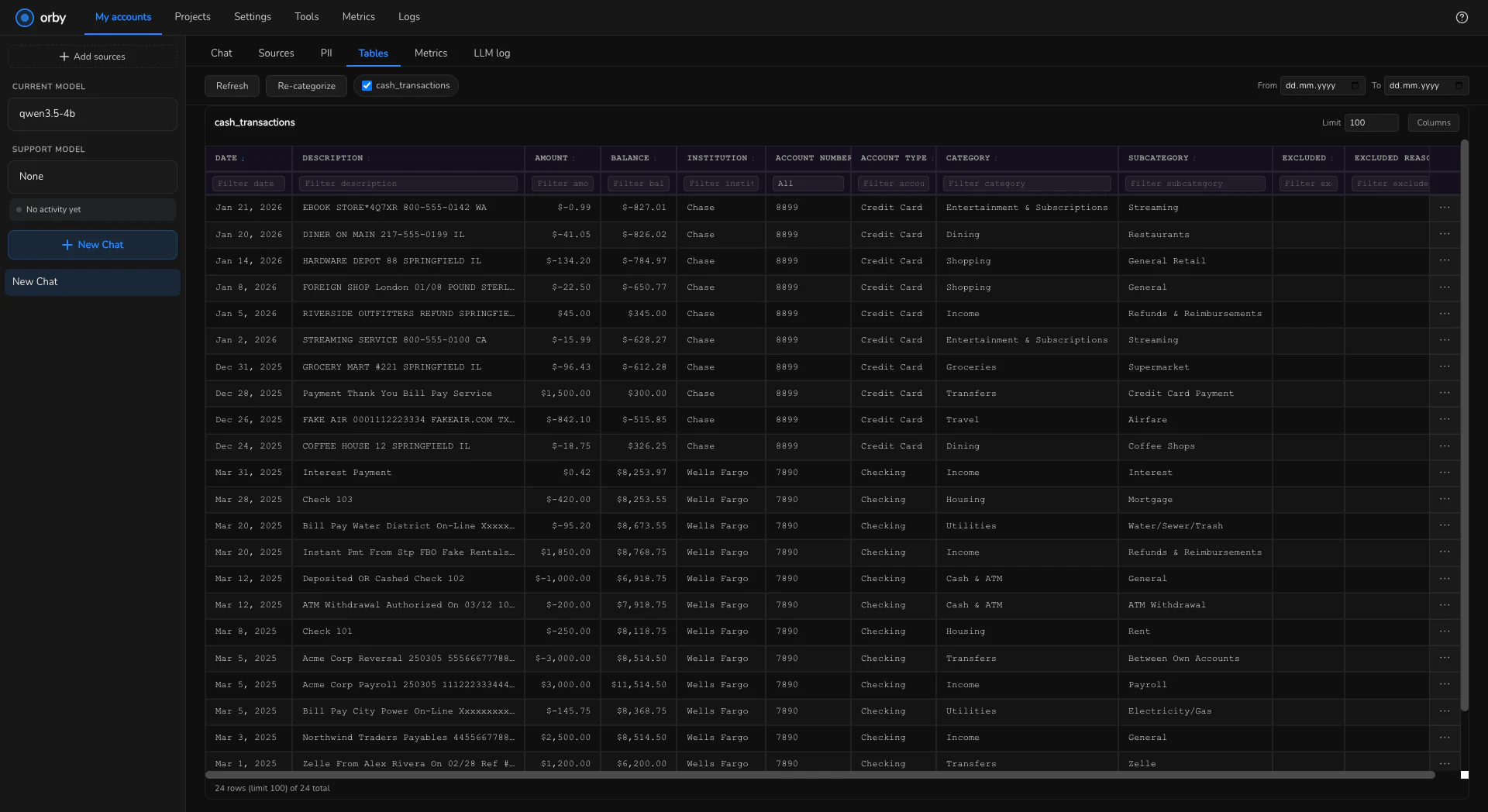
Create a project, then add a source: a PDF or CSV from your bank. Orby reads it and builds a table from it, the same information as the statement, but something you can ask questions of instead of scrolling through.
If your bank isn't recognised yet, you'll see that here rather than a silent failure. Adding your bank covers what to do next.
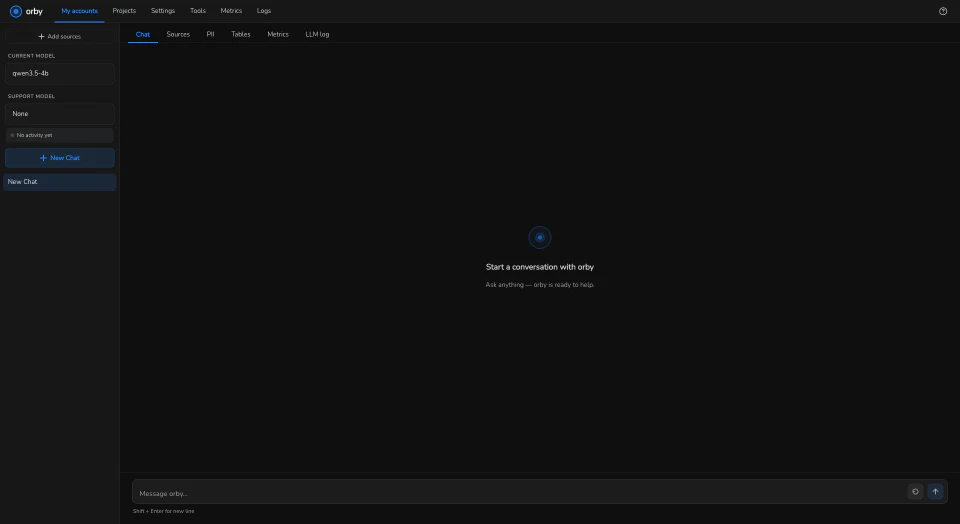
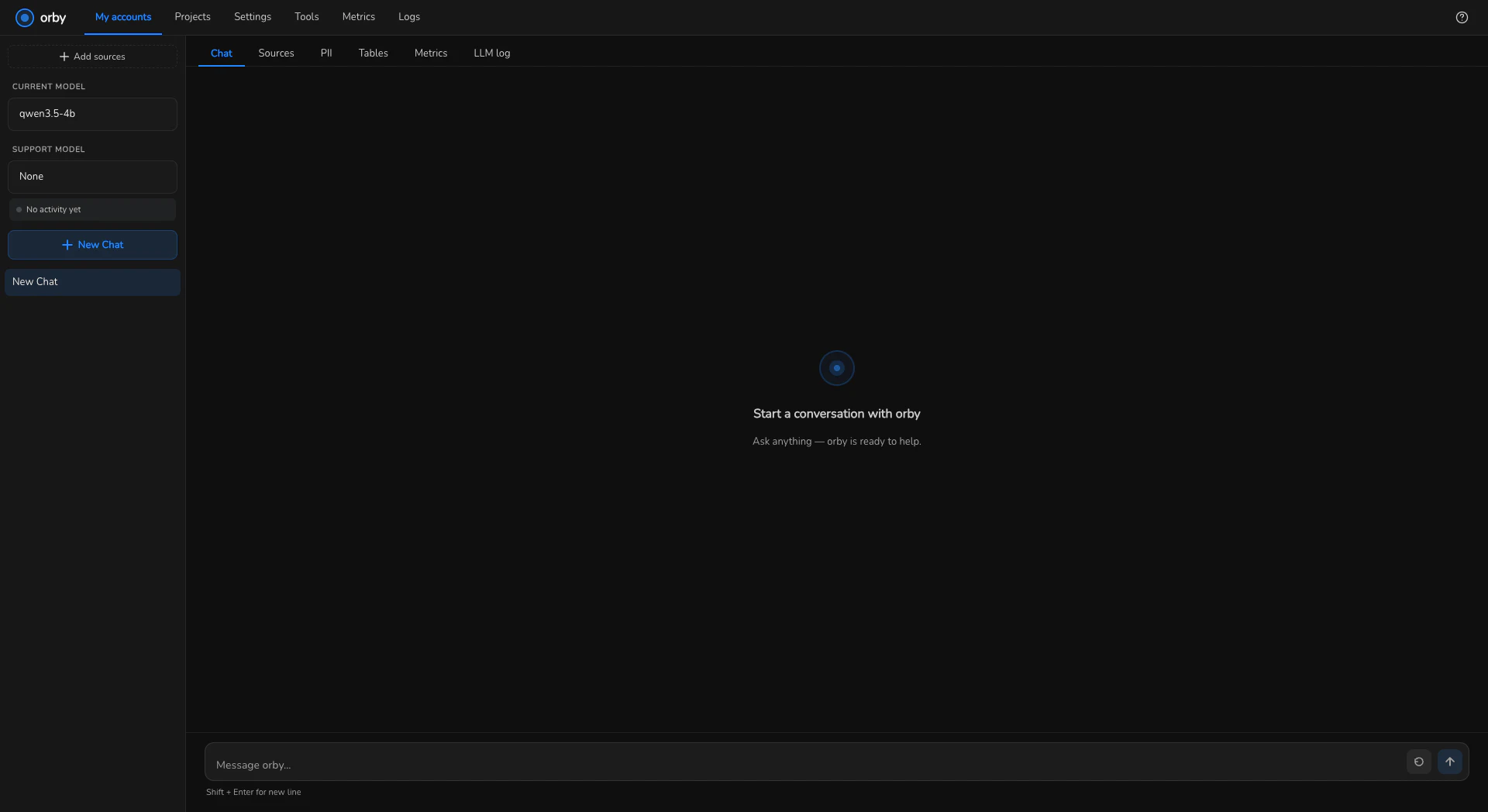
Then, once ingested:
Ask a question, in your own words
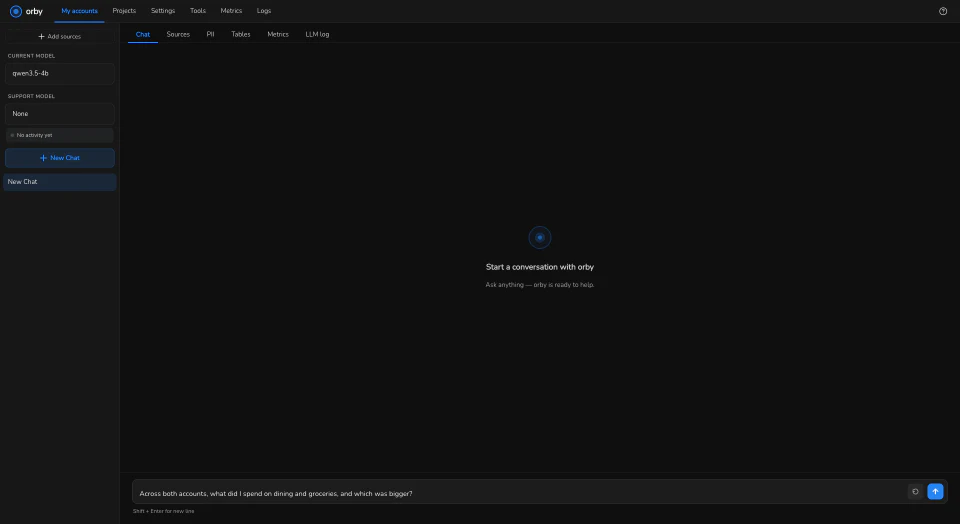
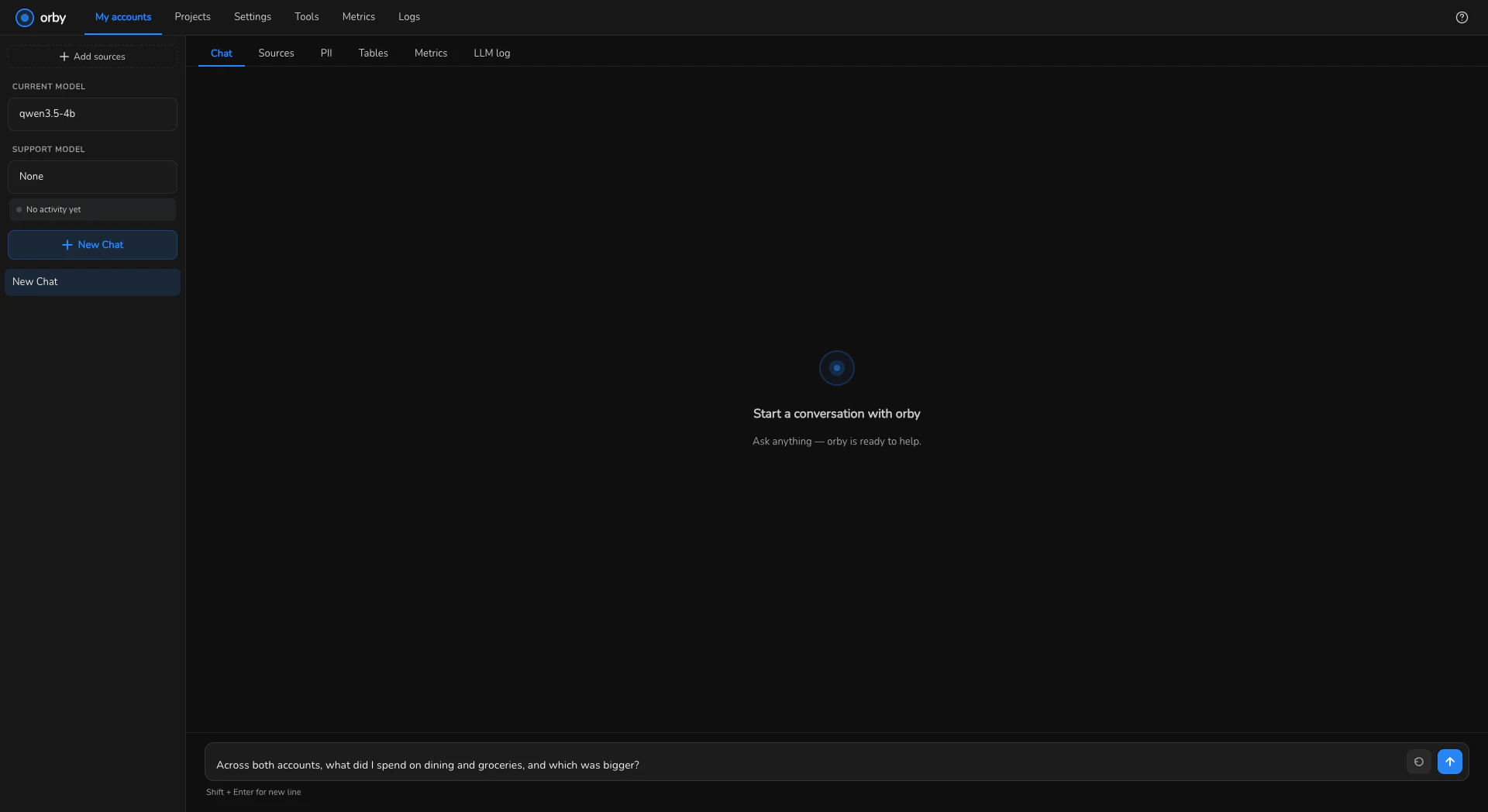
Type it the way you'd ask a person. Orby writes and runs the query behind it, so you don't need to know anything about how the data is stored.
If you're not sure where to start, here are a few that work well:
- How much did I spend last month, in total?
- What were my three biggest expenses this year?
- How much do I have across all my accounts right now?
The wait is normal, not a fault
The first question after starting Orby takes a little longer, usually a few seconds, while the model loads into memory. After that, most answers come back in well under a minute. In our own testing, a question spanning two different banks came back correctly in about 27 seconds.
This isn't a spinner with nothing behind it. Orby is writing a database query, running it, checking the result, and sometimes correcting itself before answering, the same way you'd double-check a number that looked wrong. That's what the time is spent on.
If a laptop is genuinely underpowered for the model it picked, answers can take longer than this, sometimes a minute or two. That's still Orby working, not stuck.
Where to go next
- What happens to your data — if you skipped it before installing, this is where the mechanism lives
- Adding your bank — if your statement wasn't recognised
- Tell us it got something wrong — the most useful thing you can do after your first answer